
Run open models in Codex
GLM 5.3, Kimi K3 and DeepSeek in Codex, through Keln. It works in the ChatGPT desktop app and on the command line. Two files to add, effort levels included, and your ChatGPT sign-in stays untouched.
Codex runs on Keln in the ChatGPT desktop app and in the codex command line. Pointed at Keln, it lists the open-source models in its own model picker, each with effort levels. Your ChatGPT sign-in is untouched, and you can switch back whenever you want.
What you need to start
- The ChatGPT desktop app for macOS.
- A Keln API key. Sign up at app.keln.ai, then open Keys → Create key. Keln shows the key once.
- Credit on your Keln account. Billing → Add credit.
Connect Codex to Keln
1. Download the model catalog
Download keln-codex-models.json and save it as ~/.codex/keln-models.json. Codex builds its model picker and effort control from this file. It lists the Keln models and Codex's agent instructions, and holds no secrets.
2. Point Codex at Keln
Open ~/.codex/config.toml (create it if it does not exist). Add these four lines at the very top of the file:
# Keln
model = "zai-org/glm-5.3"
model_provider = "keln"
model_catalog_json = "/Users/YOU/.codex/keln-models.json"   # full path; ~ is not expanded
model_reasoning_effort = "high"
And add this block at the very end of the file:
[model_providers.keln]
name = "Keln"
base_url = "https://api.keln.ai/v1"
experimental_bearer_token = "sk-keln-…"   # your key
Replace YOU with your macOS user name, and sk-keln-… with your Keln API key. The app does not read shell variables, so the key has to live in the file. Keep the file private:
chmod 600 ~/.codex/config.toml3. Reopen ChatGPT
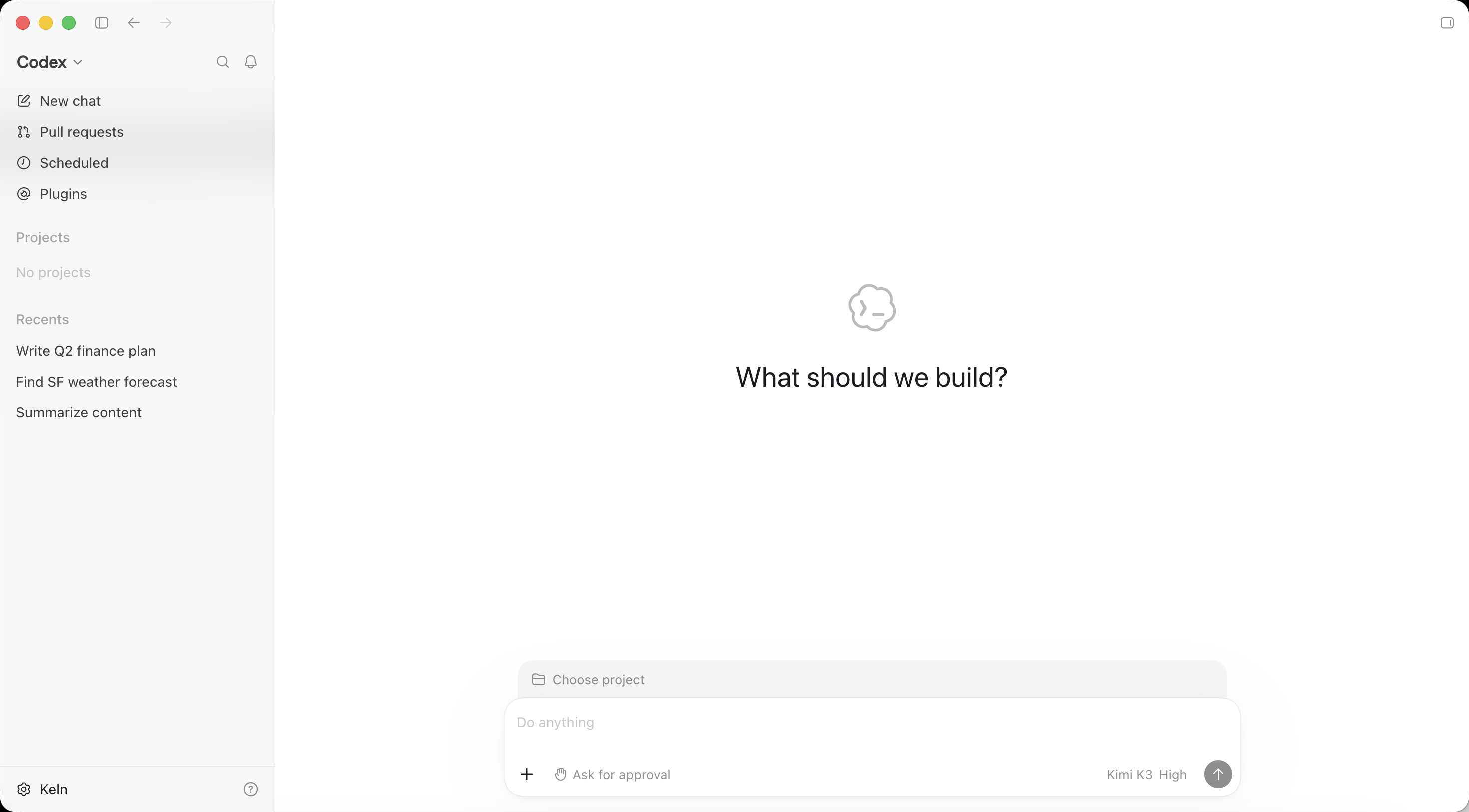
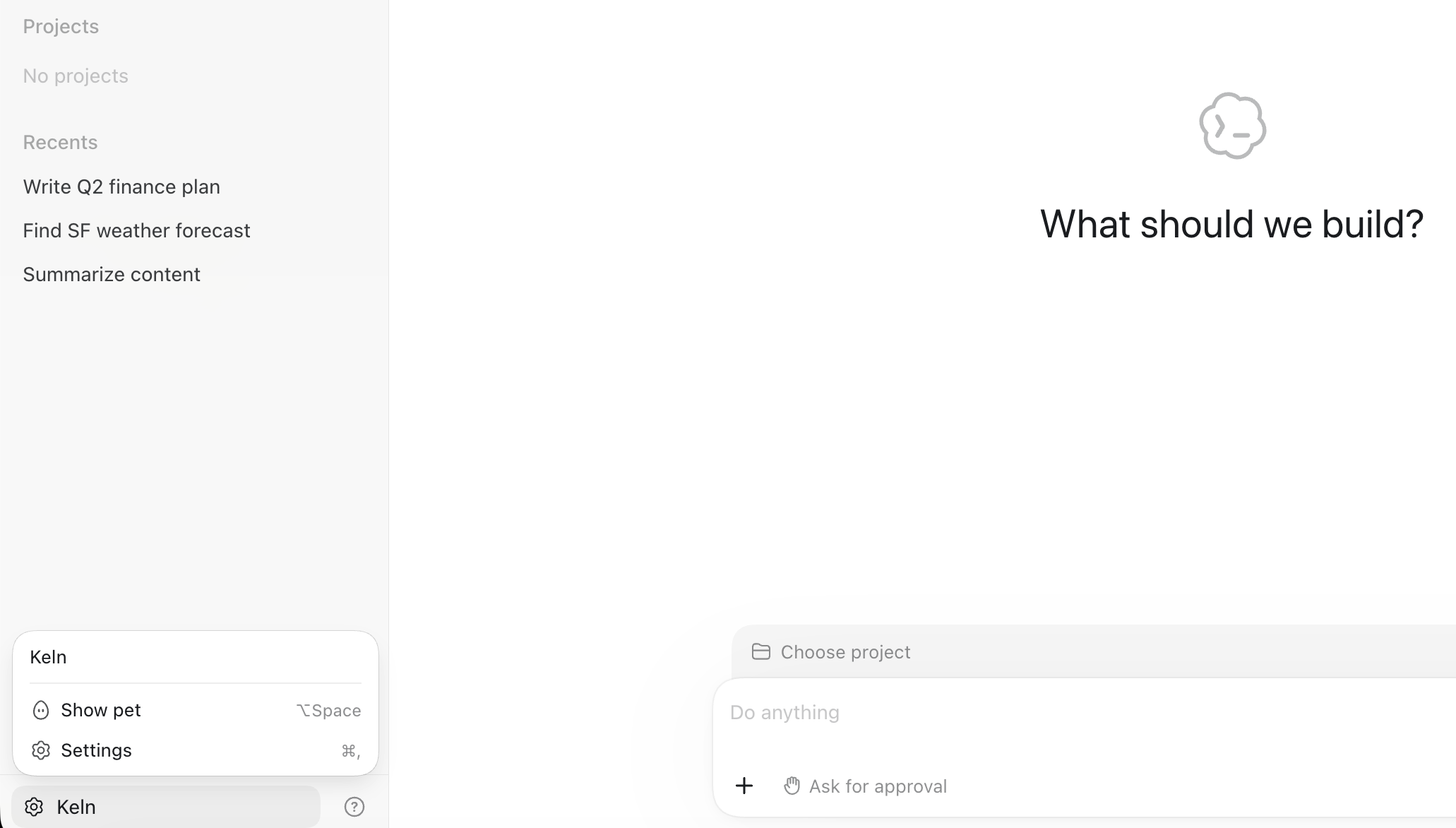
Quit and reopen the app. Codex reads both files at startup. Open Codex from the sidebar. The message box shows the model and effort, and the account menu at the bottom of the sidebar reads Keln.
4. Pick a model and effort
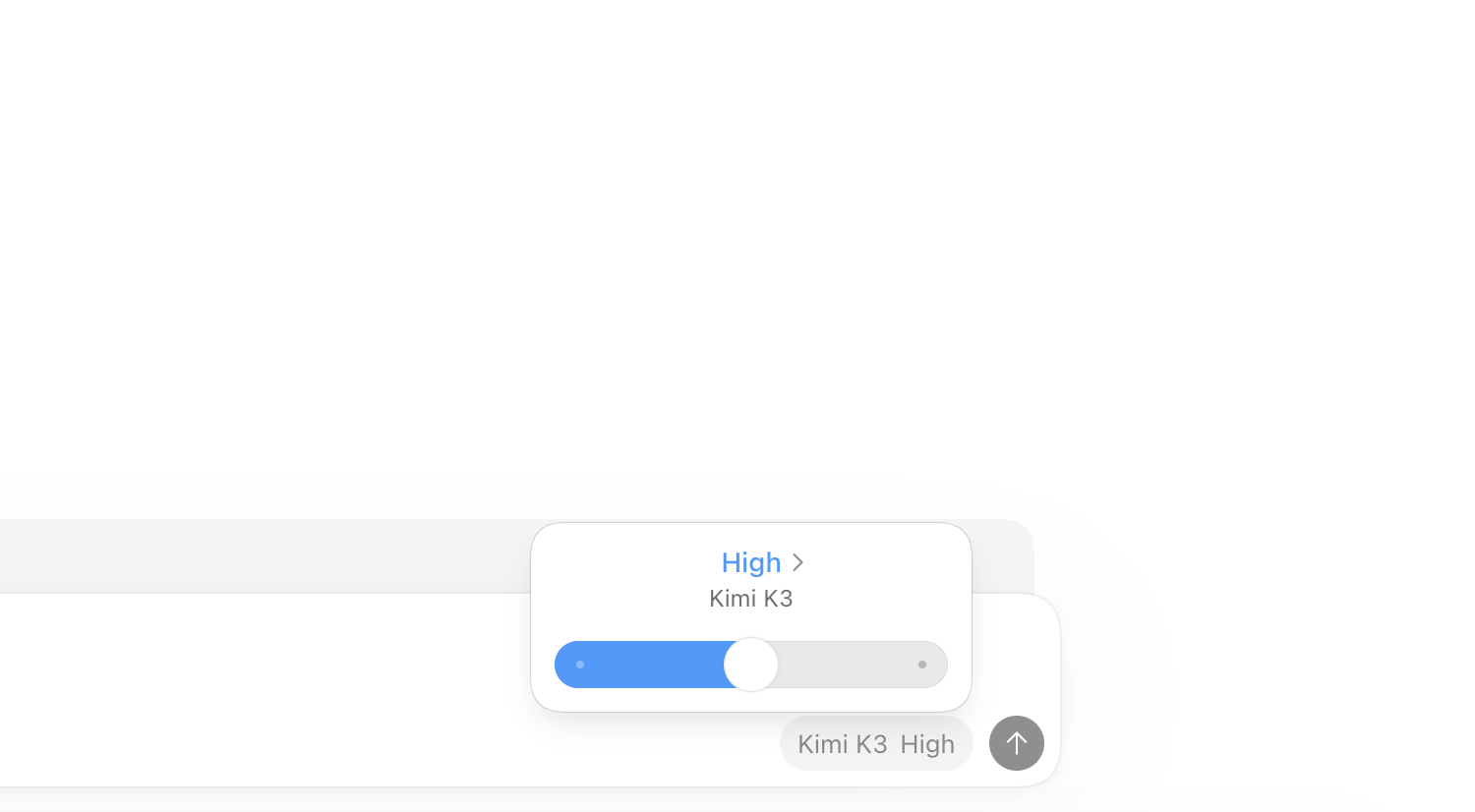
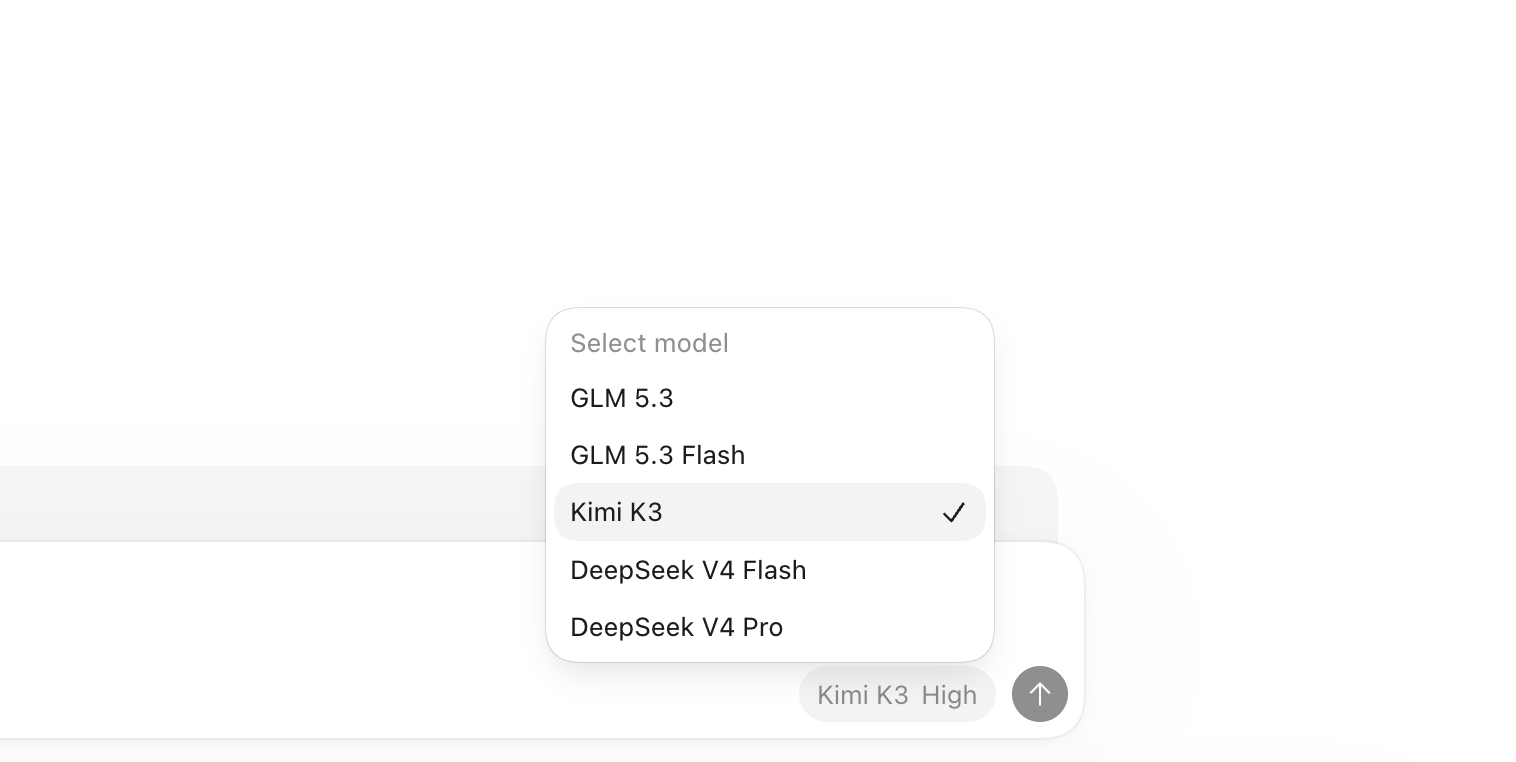
Click the model chip in the message box. The slider sets the effort; click the model name for the list.
Models and features
| Model | Role | Input |
|---|---|---|
| GLM 5.3 | Frontier | text |
| Kimi K3 | Frontier | text + images |
| DeepSeek V4 Pro | Frontier | text |
| GLM 5.3 Flash | Flash | text + images |
| DeepSeek V4 Flash | Flash | text |
- Effort levels. Low, High and Extra High, from the slider in the message box. DeepSeek V4 Pro has High and Extra High only.
- Web search. Codex's search runs on Keln, server side, priced per search (pricing, details).
- Zero data retention, the same privacy contract as the API (Privacy & zero data retention).
Keln adds models over time. To ask for one, open Model catalog in the portal and send a model request.
Codex on the command line
The same config.toml drives the codex command. On the command line the key can come from your shell instead of the file. Replace the experimental_bearer_token line with env_key = "KELN_API_KEY", then run export KELN_API_KEY=sk-keln-….
Switch between Keln and ChatGPT
To go back to ChatGPT, comment out the four lines at the top of config.toml (model, model_provider, model_catalog_json, model_reasoning_effort) and reopen the app. Uncomment them to return to Keln.
Using Claude Desktop instead? See Run open models in Claude Desktop.