Sandboxes for AI agents: Run code in isolated Linux machines
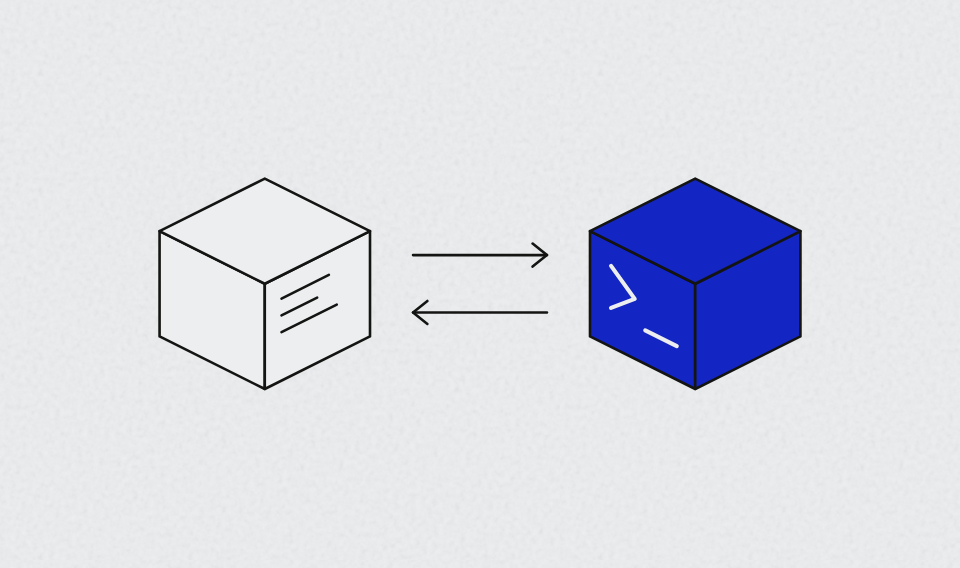
Keln now offers AI agent sandboxes. Run code, execute commands, work with files, and test applications in isolated Linux machines. Use the same Keln account, API key, and balance for models and sandboxes.
An AI agent that writes code also needs somewhere to execute it. Until now, you could run models on Keln, but you needed separate infrastructure to execute the code they produced.
Now you can do both on Keln. We've added a Sandbox API for creating and managing Linux environments, plus an MCP server that lets coding assistants like Claude Code, Cursor, and Codex use them directly.
What is an AI agent sandbox?
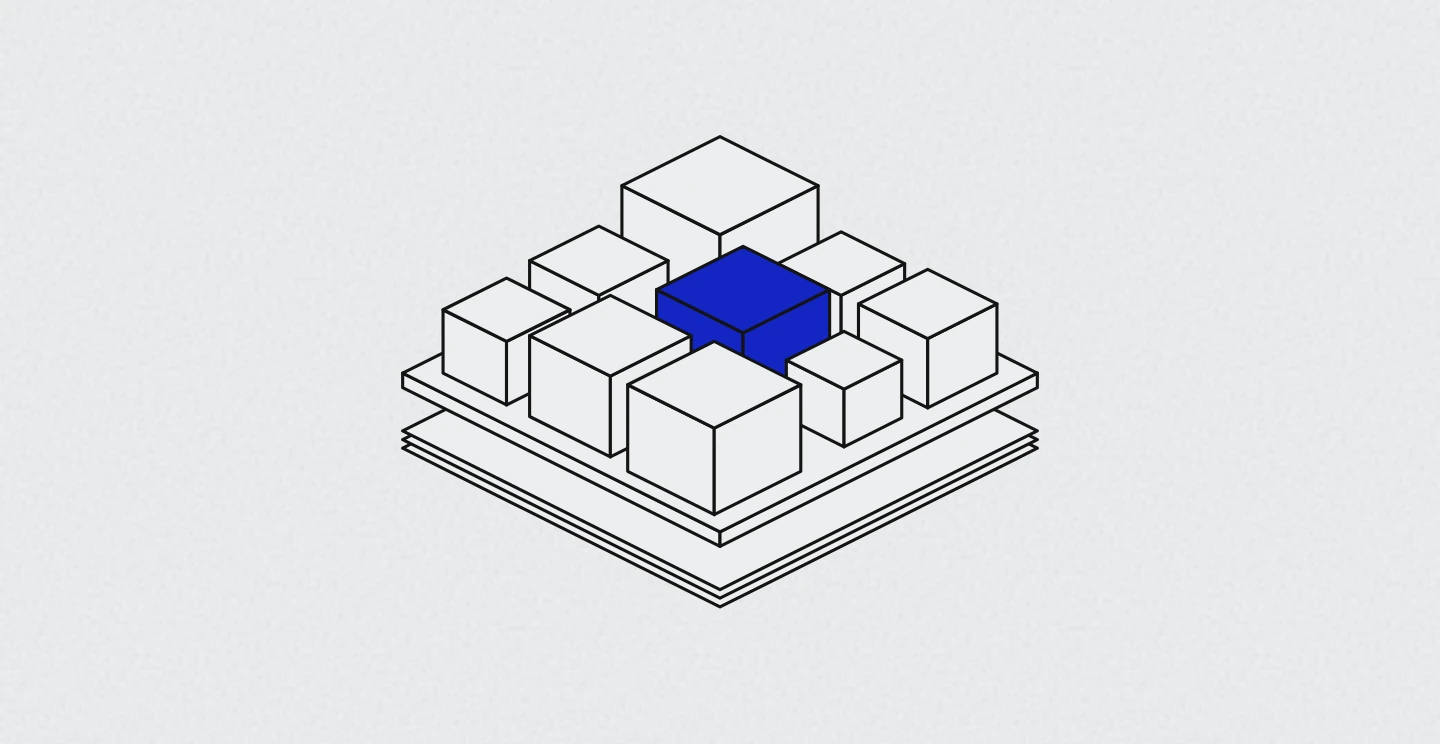
An AI agent sandbox is an isolated Linux environment where an agent can execute code without running it on your local machine.
Each Keln sandbox runs in its own microVM, isolated from other sandboxes. Python 3, Node.js, git, curl, and a C toolchain come preinstalled. An agent can clone a GitHub repository, install dependencies, run tests, or start an application.
Sandboxes start with 2 vCPUs, 2 GiB of memory, and 10 GiB of disk by default. You can configure them with 1 to 4 vCPUs.
How Keln sandboxes work
Create a sandbox with one API call. It's usually ready within a few seconds.
Once it's running, your agent can:
- Execute commands. Run shell commands and receive streamed output as they execute.
- Read and write files. Create, modify, and retrieve files inside the sandbox.
- Run applications. Start a server and access it through a preview URL.
- Pause and resume. Pause a sandbox and resume it later with its files, memory, and processes preserved.
You can also configure a network policy to control which hosts the sandbox can access.
By default, a sandbox stops after 5 minutes. You can extend its runtime up to 24 hours. Once stopped, its contents are deleted.
Use AI agent sandboxes with Claude Code, Cursor, and Codex
You don't have to integrate the Sandbox API yourself to use it with a coding assistant.
Keln provides a hosted MCP server at https://mcp.keln.ai/mcp. MCP lets AI assistants connect to external tools, including tools for executing code.
Connect the server to Claude Code, Cursor, or Codex using your Keln API key. There's no package to install.
Your assistant can then:
- Create and manage Linux sandboxes.
- Execute commands and read their output.
- Read and write files.
- Open preview ports for running applications.
- Pause, resume, or delete sandboxes.
- Search the web and read web pages.
For example, ask Claude Code to clone a GitHub repository, install its dependencies, and run the test suite in a Keln sandbox.
Claude Code creates the sandbox, runs the commands, and reads the results. Everything executes on Keln's infrastructure rather than your laptop.
The same setup works with Cursor and Codex.
The MCP server itself is free. Tool calls are billed to your Keln balance at the standard sandbox and web search rates.
AI agent sandbox pricing
Keln sandboxes are billed per second based on the vCPU and memory you allocate.
There's no monthly fee or separate subscription. Sandboxes use the same API key and prepaid balance as your Keln model requests.
You pay only while a sandbox is running. Starting and paused sandboxes are free.
See the sandbox pricing documentation for current rates.
Get started with Keln sandboxes
You can use Keln sandboxes through the Sandbox API or connect them directly to your coding assistant through MCP.
The sandbox quickstart shows how to create a Linux sandbox, run commands, and work with files using Python or curl.
To use sandboxes with Claude Code, Cursor, or Codex, follow the MCP server setup guide.