Image generation and editing with Nano Banana 2.1 on Keln
Generate images from text prompts, edit existing images, and combine multiple pictures using Nano Banana 2.1 and the OpenAI SDK.
Image generation and editing are now available on Keln. You can generate an image from a prompt, upload an existing image and change parts of it, or combine several images into one.
It works with the OpenAI SDK and uses the same Keln API key and balance as your chat models, speech, and sandboxes.
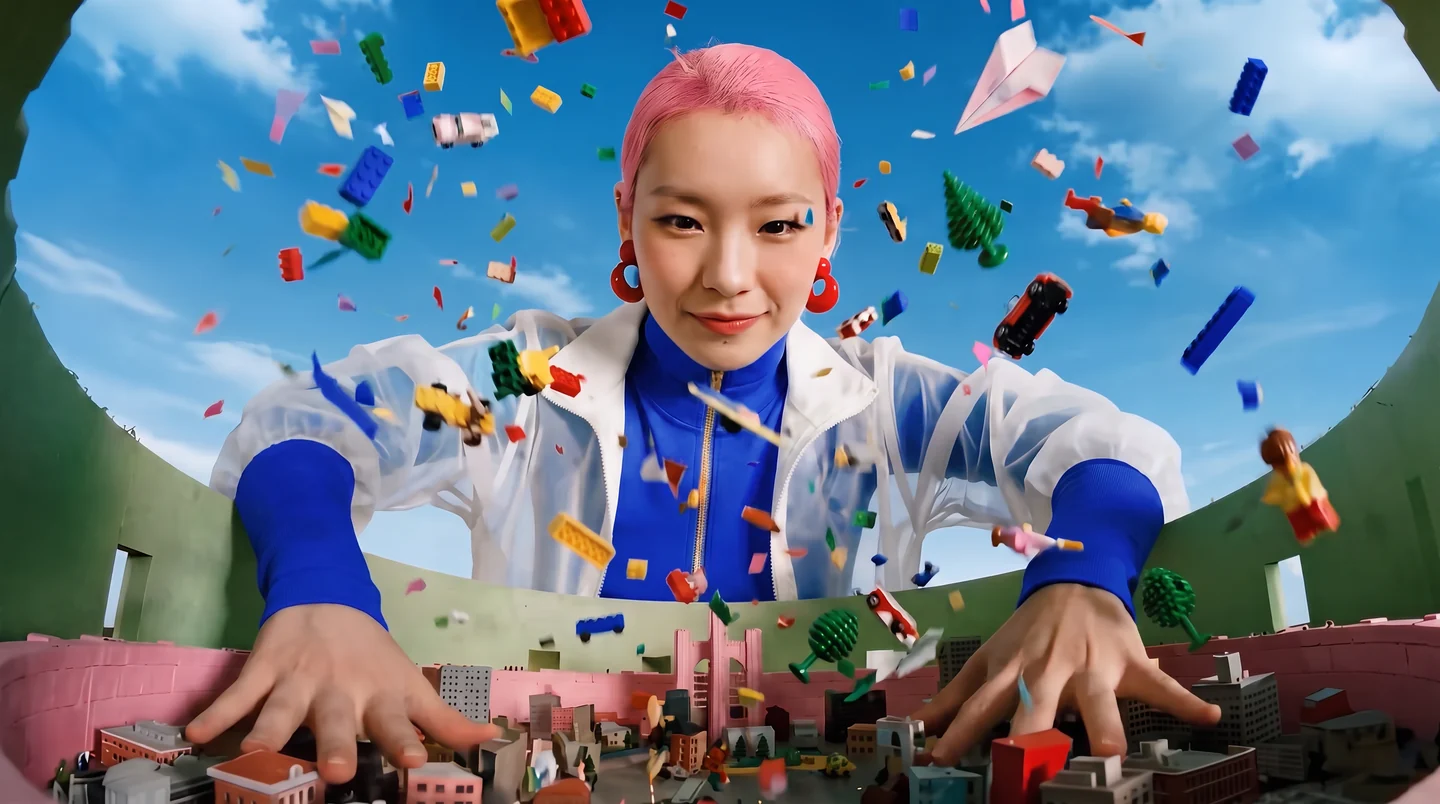
What you can do
Keln supports image generation and editing with Google's Nano Banana 2.1 model.
- Generate images: Describe what you want to see and get an image back.
- Edit images: Upload an image and describe what to change, such as an object's color or the background.
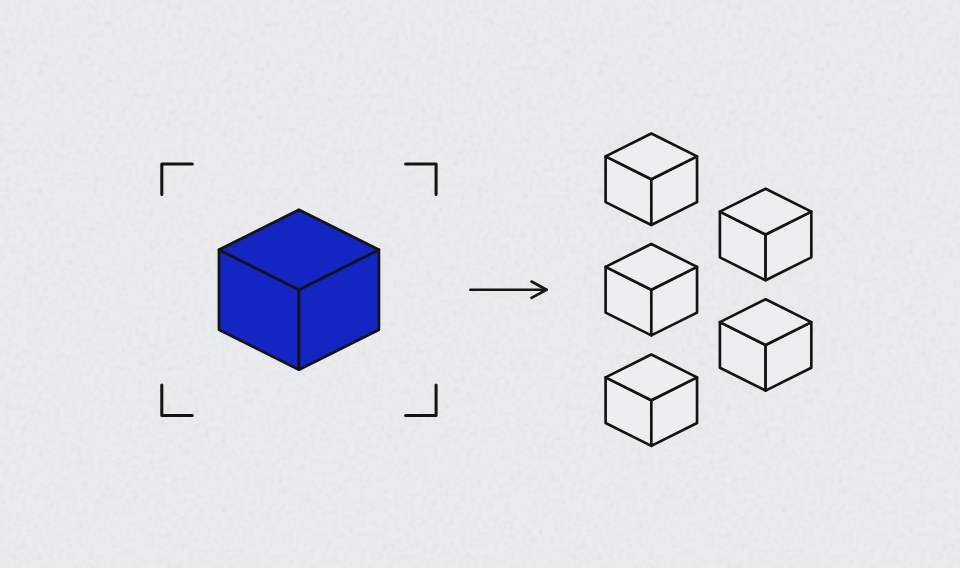
- Combine images: Upload multiple images and ask the model to combine elements from them.
- Use reference images: Provide an image to guide the style, composition, or colors of a new one.
Edit images with a prompt
You don't need to create masks or select areas manually. Just upload an image and tell the model what to change.
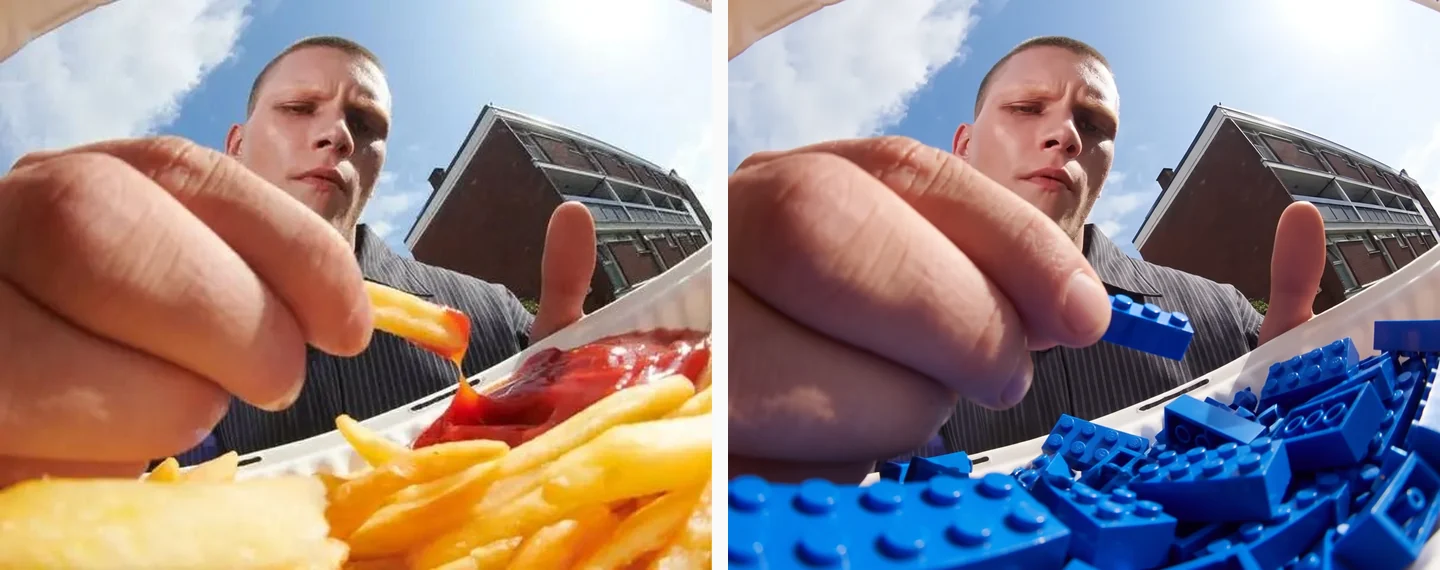
You can also upload several images in one request. For example, send a photo of a room and a separate photo of a lamp, then ask the model to add the lamp to the room.
Use the OpenAI SDK
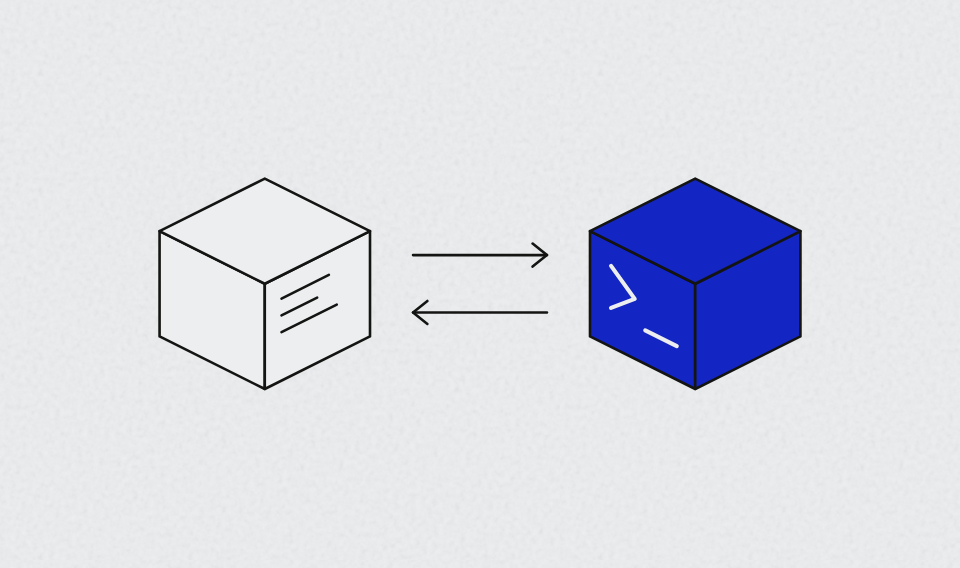
Keln supports OpenAI's image API, so you can use the OpenAI SDK you already have.
If you're currently using OpenAI for image generation, you only need to change the base URL, API key, and model name.
from openai import OpenAI

client = OpenAI(
    base_url="https://api.keln.ai/v1",
    api_key="sk-keln-…"
)

result = client.images.generate(
    model="google/gemini-nano-banana-2.1",
    prompt="A lighthouse on a cliff at dawn, watercolor.",
)
You can also use TypeScript, other OpenAI-compatible clients, or make HTTP requests directly.
Why use Keln for image generation?
One API key and balance. Use the same account for image generation, chat models, speech, transcription, and sandboxes. No separate subscriptions or billing setup.
Zero data retention. Keln doesn't store your prompts, uploaded images, or generated images. Images are returned directly in the API response.
Image sizes up to 4K. Specify the size, aspect ratio, or resolution you need. If the model doesn't support your requested dimensions, the API returns the supported options.
Usage and cost per request. Every response includes token usage and the exact cost, so you can track what you're spending.
Image generation pricing
Image generation on Keln is billed per token. You pay for the input tokens (your prompt and any uploaded images) and the output tokens used to generate the image.
Requests blocked by the model's safety filters aren't billed.
See the image pricing documentation for current rates.
Start generating images
Image generation and editing with Nano Banana 2.1 are available now.
Check the image generation docs for Python, TypeScript, and cURL examples, supported image sizes, and editing options.
We've also added text-to-speech with Gemini 3.8 Flash TTS. It works with the same Keln API key and balance.