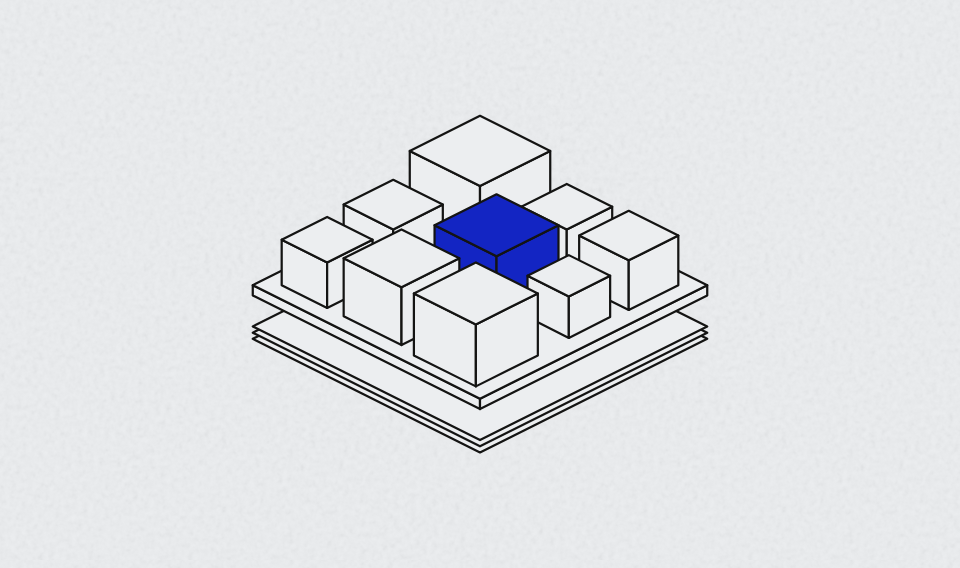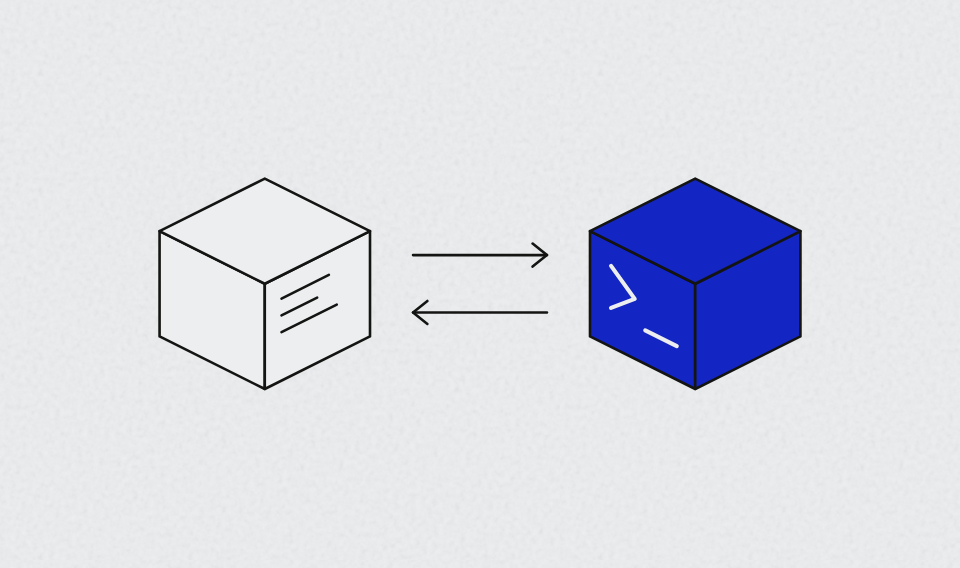
Sandbox snapshots: Save your setup and reuse it across sandboxes
Install dependencies, clone repositories, and configure your sandbox once. Save it as an image and start new sandboxes without repeating the setup.
Every time an agent starts a new sandbox, it may need to install packages, clone repositories, and download files before it can start working. For agents running many tasks, that setup adds up.
Keln now supports sandbox snapshots. Save a configured sandbox as an image and use it to start new sandboxes with everything already installed.
What is a sandbox snapshot?
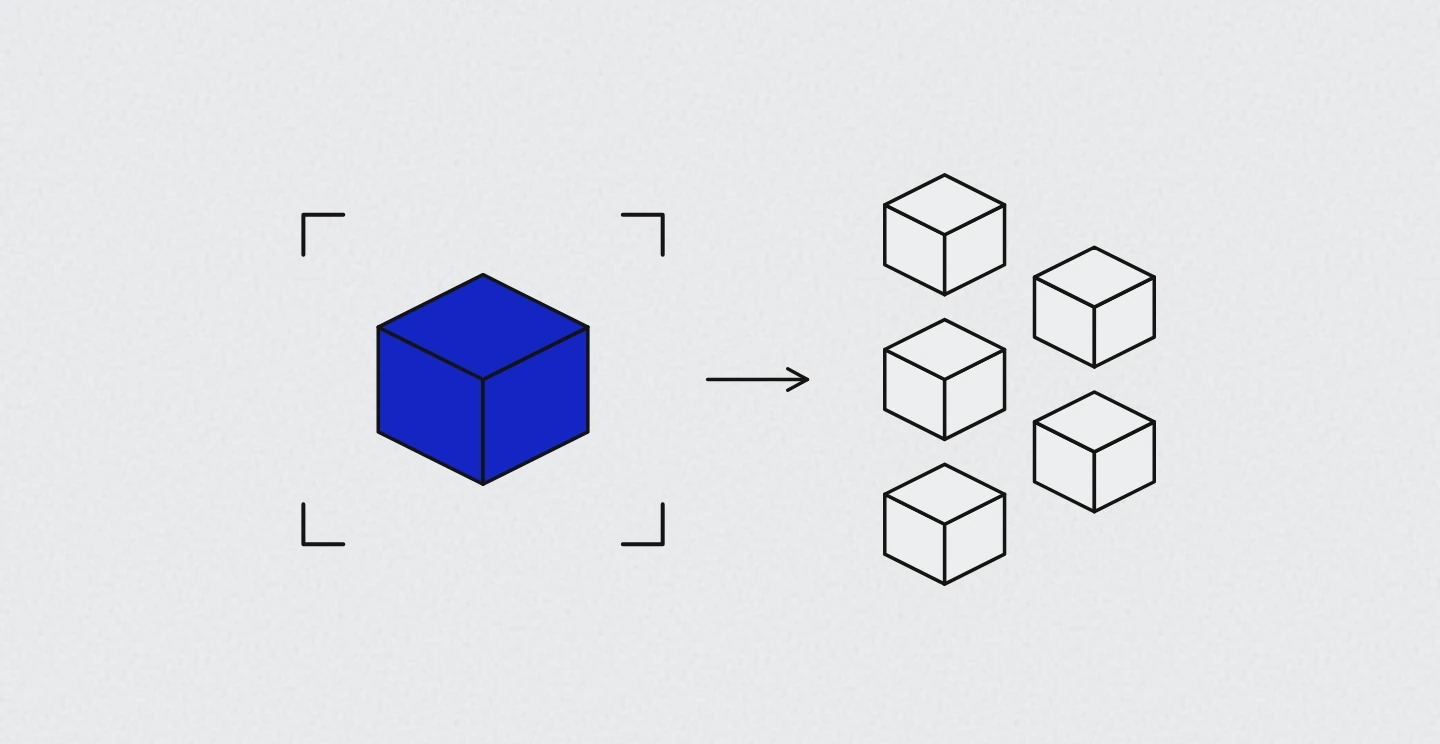
A snapshot saves a sandbox's disk as an image, including installed packages, repositories, dependencies, and files.
New sandboxes started from that image have the same files and dependencies. You can keep the original CPU and memory settings or choose different ones.
When are snapshots useful?
- AI agents: Install your agent's tools once instead of setting them up for every task.
- Parallel tasks: Start multiple sandboxes with identical environments for tests or evaluations.
- Experiments: Save a working setup and start from it again if something breaks.
- Large repositories: Clone and build a project once, then reuse it across sandboxes.
How to create and use sandbox snapshots
Set up a sandbox with the tools and files you need, then save it as an image with one API call. The sandbox keeps running while Keln creates the image, usually within a few seconds.
To start a new sandbox, specify the saved image. All files and installed dependencies will already be there.
Save a sandbox as an image:
curl -X POST https://sandbox.keln.ai/v1/sandboxes/$SANDBOX/snapshot \
  -H "Authorization: Bearer $KELN_API_KEY"
Start a new sandbox from the image:
curl -X POST https://sandbox.keln.ai/v1/sandboxes \
  -H "Authorization: Bearer $KELN_API_KEY" \
  -H "Content-Type: application/json" \
  -d '{"image": "'$IMAGE'"}'
See the sandbox images documentation for all options.
You can also create images from sandboxes started from other images. Each image is independent, so deleting one won't affect the others or any running sandboxes.
What gets saved?
Snapshots save everything on disk, but not running processes, memory, API-provided environment variables, network policies, or preview ports. You'll need to configure those again.
Any credentials or tokens stored on disk are also copied. Remove sensitive files before saving an image.
Snapshots vs. pause and resume
Keln also supports pause and resume.
Pause and resume preserves a sandbox's memory and running processes so you can continue working later.
Snapshots save the disk so you can start multiple new sandboxes with the same setup.
Sandbox snapshot pricing
Images are billed by stored size and time, from when they're ready until you delete them. Sandboxes created from images use standard sandbox pricing.
Models, sandboxes, and images share the same Keln API key and prepaid balance. See the pricing documentation for current rates.
Get started
See the sandbox images documentation for API examples, limits, and error codes.
New to Keln sandboxes? Start with Sandboxes for AI agents.